Version 0.12 brought private content and CDN-ready delivery. Version 0.13 focuses on the time editors spend inside the admin: fewer clicks to reach a command, clearer guidance in every form and AI help exactly where the work happens.
PagibleAI CMS 0.13: Work Faster, Connect Everything
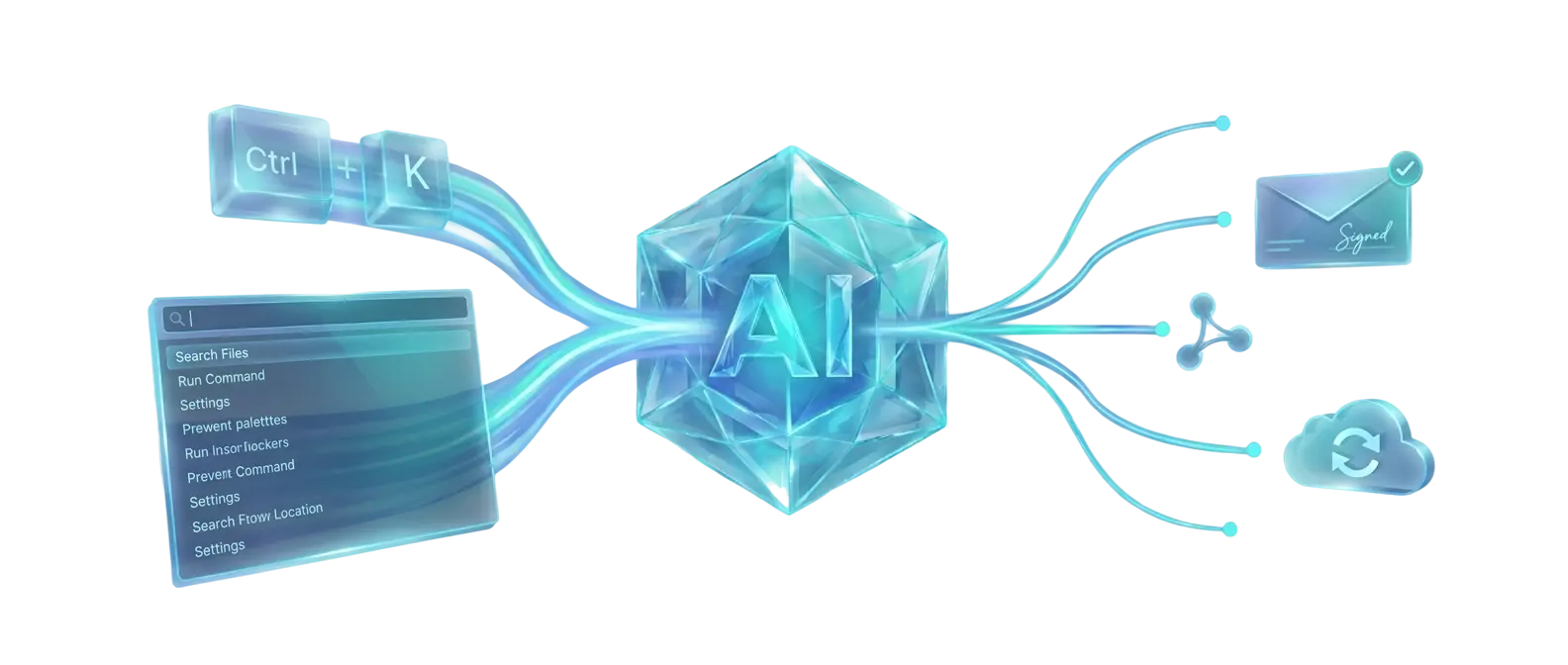
PagibleAI CMS 0.13 makes daily editing faster and connects your content to the systems around it. Editors move through the admin with keyboard shortcuts and a command palette, ask AI chat assistants to review pages and organize elements or files, and follow every change in a clearer history.
Developers notify external services through signed webhooks, purge Cloudflare, Fastly or Varnish caches automatically, read page content schemas over the API and import existing TYPO3 sites. Two new themes, Taste for restaurants and News for publishers, round out the release.
Follow the PagibleAI upgrade guide before updating production.
For Editors: Less Clicking, More Creating
What's New for Editors

Shortcuts & Command Palette
Press Ctrl/Cmd+K to open the command palette and jump to any page, element or action. Save with Ctrl/Cmd+S, publish with Ctrl/Cmd+Shift+S and press ? to see every shortcut available in the current view.

Smarter Element Picker
Find the right content element through group tabs, search and sorting, with a short description for each one. Every input field now explains what it expects, so new editors get it right the first time.

AI Chat Assistants
Ask the page chat to rate a page and suggest improvements based on built-in SEO rules. Dedicated chats manage your shared element and file lists, and you can scroll back through earlier conversations.

Clearer Change History
The redesigned history dialog focuses on what actually changed: large text diffs jump to the edit, unpublished versions stand out on the timeline and transparent images show on a checkered background.

Edit in the Preview
Edit content in a sidebar next to the live preview and switch between desktop, tablet and phone sizes. If your session expires, a re-login dialog lets you continue without losing unsaved changes.

New Content Elements
Add call-to-action blocks, OpenStreetMap maps with a pinned location and configurable contact forms. Articles gain author fields, and links can carry rel attributes such as nofollow or sponsored.
From Newsroom Draft to Every Channel
Suppose you run a news site with the new News theme. An editor writes a story with the news element and author fields, opens the command palette to publish it and moves on. PagibleAI adds the article to the news sitemap, purges the old pages from your CDN and sends a signed webhook so your newsletter tool or search index picks up the story within seconds.
Restaurants get the same polish with the new Taste theme: menus, maps that pin your location and a contact form for reservations. Theme packages now ship their own translations for content element names. Browse the PagibleAI theme collection to compare all layouts.
For Developers: Connect, Purge and Automate
Under the hood, 0.13 turns PagibleAI into a better neighbor in your stack. New optional packages notify external systems and keep CDN caches fresh, the API describes page content as JSON Schema and AI agents can upload files directly. PagibleAI also serves CMS-managed robots.txt and security.txt files, fetches CSRF tokens before login through a configurable route and supports Laravel's sync queue driver.
Under the Hood

Signed Webhooks
Notify external systems about CMS lifecycle events with signed, tenant-scoped webhooks delivered through the Laravel queue. Editors manage subscriptions in the admin. See Webhooks for setup.

Automatic CDN Purging
Purge changed pages and removed files from Cloudflare, Fastly or Varnish automatically, so CDNs can cache public pages for much longer. Read Purge CDN and Proxy Caches.

JSON Schema API
Fetch the JSON Schema of all content, meta and config elements from the JSON:API. Headless frontends and integrations can validate page data before they send it.

Direct MCP File Uploads
AI agents can upload files directly as base64 content through the MCP tools when no public URL exists. A new maxsteps setting limits how many tool calls the AI may run per request.

TYPO3 Importer
Migrate existing TYPO3 sites into PagibleAI with a new import command. WordPress imports are now idempotent and keep publication dates, cover images and shared footers.

Faster Images
Themes add a fourth preview size for phones, and cms:previews regenerates previews of existing images. Hero backgrounds preload, audio and video load lazily and image quality is configurable.
0.13 Highlights
Area
What Changed
Who Benefits
Navigation
Keyboard shortcuts, command palette and shortcut help
Editors
Guidance
Element picker with tabs, search and descriptions plus field hints
Editors
AI assistance
Page rating with SEO rules, element and file list chats
Editors
Editing
Redesigned history, sidebar preview editing and re-login dialog
Editors
Content & themes
CTA, maps, contact forms, news element, Taste and News themes
Editors
Integration
Signed webhooks and Cloudflare, Fastly and Varnish purging
Developers
APIs & AI
JSON Schema API, MCP file uploads and AI step limits
Developers
Migration
TYPO3 importer and idempotent WordPress imports
Developers
Performance & SEO
Mobile previews, lazy media, robots.txt and security.txt
Developers
Frequently Asked Questions
Which keyboard shortcuts does PagibleAI 0.13 support?
Ctrl/Cmd+K opens the command palette, Ctrl/Cmd+S saves and Ctrl/Cmd+Shift+S publishes. Press ? in any view to see all shortcuts for it, including keys for moving pages and content elements.
Do I need the webhooks and CDN packages?
No. Both are optional Composer packages. Install them only when external systems should react to content changes or when a CDN caches your public pages. Each requires a running queue worker.
Can I move my TYPO3 or WordPress site to PagibleAI?
Yes. The import package now includes a TYPO3 importer next to the WordPress importer. WordPress imports can be repeated safely and keep publication dates, cover images and shared footers.
Is upgrading from 0.12 safe?
Yes. Back up your database and media, follow the PagibleAI upgrade guide, run the migrations and run cms:previews to add the new phone-sized image previews before updating production.
Upgrade to PagibleAI 0.13
Work faster in the admin and connect your Laravel CMS to webhooks, CDNs and AI agents with PagibleAI 0.13.