PagibleAI taps the most advanced image models — OpenAI's DALL·E and Google Gemini — to turn plain-language prompts into rich, relevant visuals. There's no jumping between external tools: generation and editing live directly inside the CMS, in a fast, intuitive workflow.
AI Image Generation & Editing in PagibleAI CMS
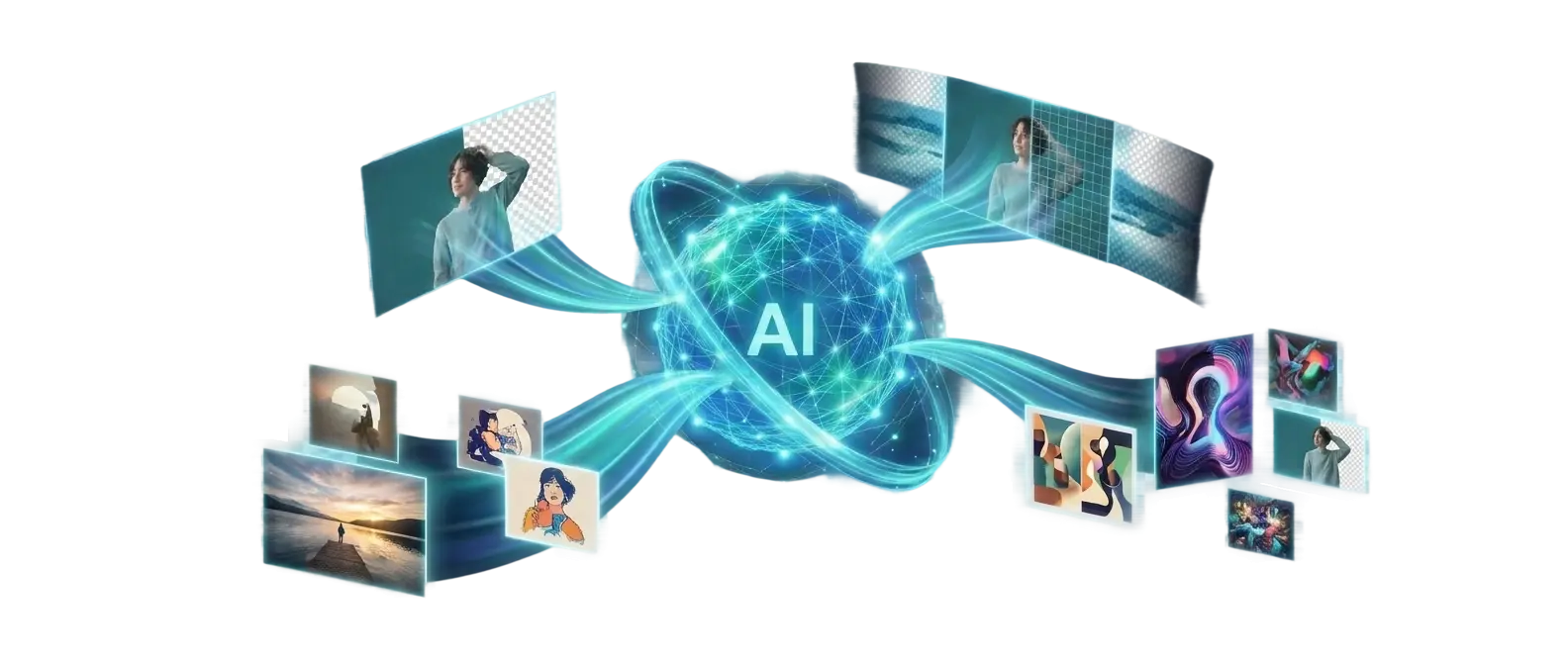
Compelling visuals aren't a luxury anymore — they're essential. But sourcing or creating the right image has always been slow and expensive. PagibleAI CMS changes that by building a complete AI image studio right into the editor.
Generate original, on-brand visuals from a simple prompt using OpenAI and Google Gemini, then remove backgrounds, erase objects, repaint regions, upscale and extend — all without leaving your content, and all non-destructively. From idea to published image in seconds.
Seamless AI Integration: OpenAI and Gemini at Your Fingertips
How It Works
- Describe your image: Write a short prompt for the visual you need — and optionally pick one or more existing images as references to guide the style or composition.
- Generate in seconds: PagibleAI sends the request to OpenAI or Gemini and returns a unique image that matches your description.
- Edit to perfection: Crop, flip and rotate, remove the background, erase or repaint regions, upscale or extend the canvas — right inside the editor, with undo at every step.
- Publish instantly: Insert the finished image into your content, resized and optimised automatically — no downloads, uploads or manual tweaks.
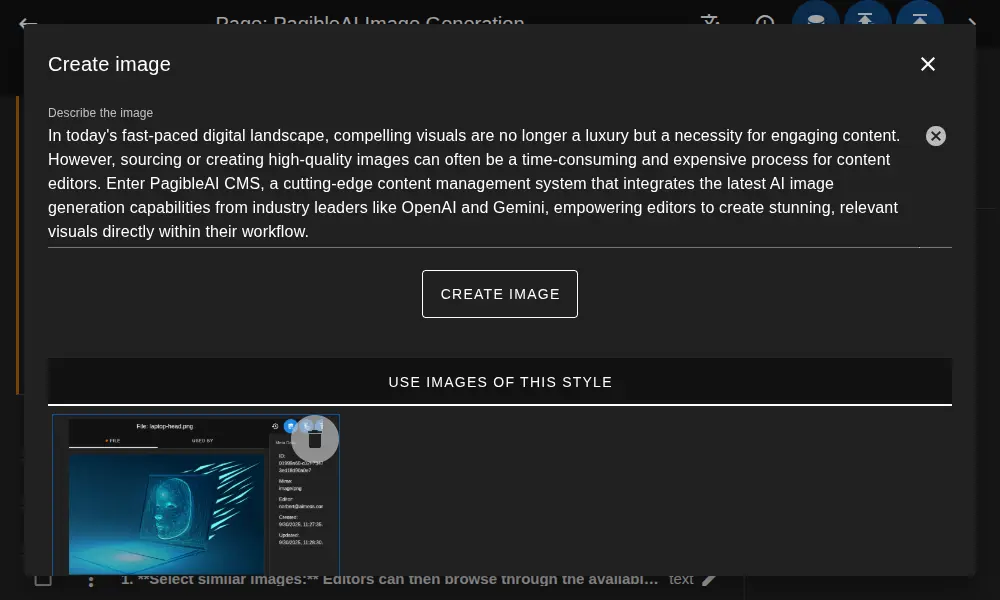
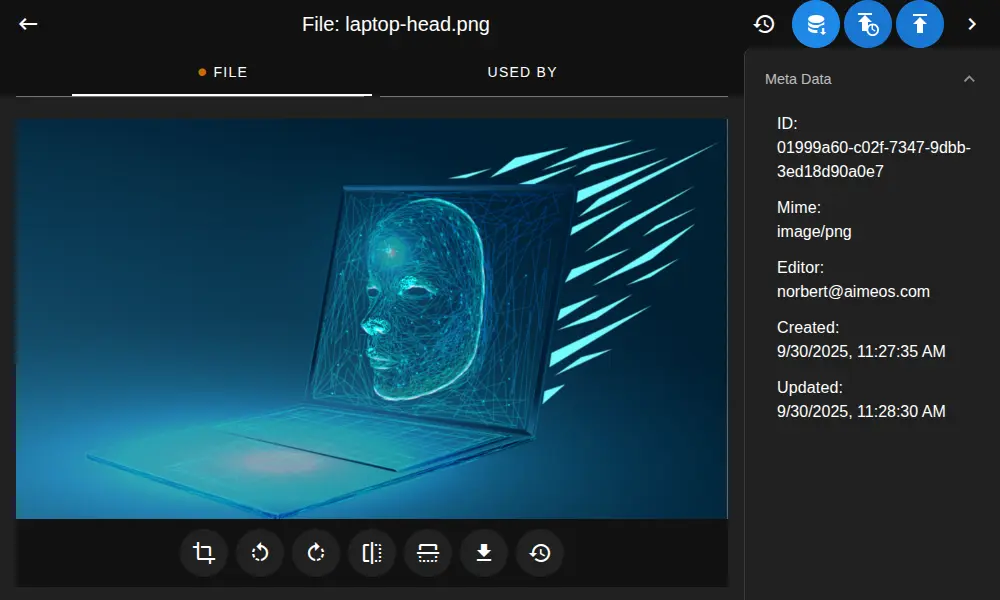
A Full AI Image Studio
Generation is only the start. Every image in your library can be refined with AI directly in the file panel — and because each edit is saved as a new draft version, your original is always safe and you can undo up to ten steps.
Everything You Can Do

Generate from a Prompt
Describe any visual in plain language and get an original, royalty-free image in seconds — no stock libraries required.

Generate from References
Feed in one or more existing images to steer the style, mood or composition and keep a consistent look across a page or campaign.

Background Removal
Isolate any subject with one click, saving a clean, transparent image ready to drop onto any layout.

Erase & Inpaint
Brush over an unwanted object and let AI erase it, seamlessly filling the gap with matching surroundings.

Repaint by Prompt
Select a region, describe the change, and AI repaints just that area — swap a colour, a sky or a detail while the rest stays untouched.

Upscale & Extend
Boost resolution for crisp detail, or widen the canvas and let AI paint believable new surroundings — no reshoot needed.
Why Editors Love It
Key Benefits

Time & Cost Savings
Cut the hours and expense of stock subscriptions, photo shoots and external design tools.

Creative Freedom
Create highly specific visuals that match your story exactly, instead of settling for the closest stock photo.

Brand Consistency
Generate and edit on-brand imagery tailored to each article or campaign for a cohesive look.

Non-Destructive Edits
Every change is a new draft version of the file — your original is always safe, with undo up to ten steps.

Better Engagement
High-quality, relevant visuals are proven to lift engagement, readability and sharing.

Streamlined Workflow
Generate, edit and publish in one place, with no context switching between separate tools.
Transforming Editorial Workflows
PagibleAI isn't just generating images — it's reshaping the editorial workflow. By bringing a full AI image studio to the editor's desk, it makes visual content creation accessible, fast and infinitely repeatable. Editors spend more time on storytelling and less on the logistics of finding the perfect visual, iterating rapidly to produce richer, more compelling content.
Ready to revolutionize your content creation?
Discover how PagibleAI CMS empowers your editorial team to create stunning visuals effortlessly — generating, editing and publishing captivating images directly within your workflow, saving time and boosting creativity.