PagibleAI: The Laravel CMS

PagibleAI adds content management to a Laravel application you already run. Install it with Composer, build the front end in Blade, and read content over GraphQL or a JSON:API. The AI tools are there when you want them and out of the way when you don't.

Low-poly 3D Laravel logo matching the official isometric mark, glowing cyan edges and node vertices with lavender accents

Installation

PagibleAI is a normal Composer package that runs on Laravel 11, 12 and 13. Add it, run the migrations, and that is the whole install. There are no extra services to host and nothing external to set up.

composer require aimeos/pagible
php artisan cms:install
php artisan migrate

Built on Laravel

GraphQL API icon

GraphQL API

A Lighthouse-based admin API. Read and write pages, elements, files, users and permissions straight from your own code.

JSON API icon

JSON:API

A read-only REST endpoint for the front end. One request returns a full page together with its related elements and files.

Blade templates icon

Blade Templates

The front end is plain Blade. Override any view, drop in your own components, and lay pages out the way you want.

Eloquent models icon

Eloquent Models

Every model is a normal Eloquent model with UUIDs, soft deletes and the usual relationships, so you query and extend them like the rest of your app.

Service provider icon

Service Provider

Package auto-discovery handles registration, so there is no service provider to wire up by hand.

Routes and middleware icon

Routes & Middleware

It uses Laravel's own routing and authentication. The catch-all route and middleware are configurable when you need to change them.

APIs and templates

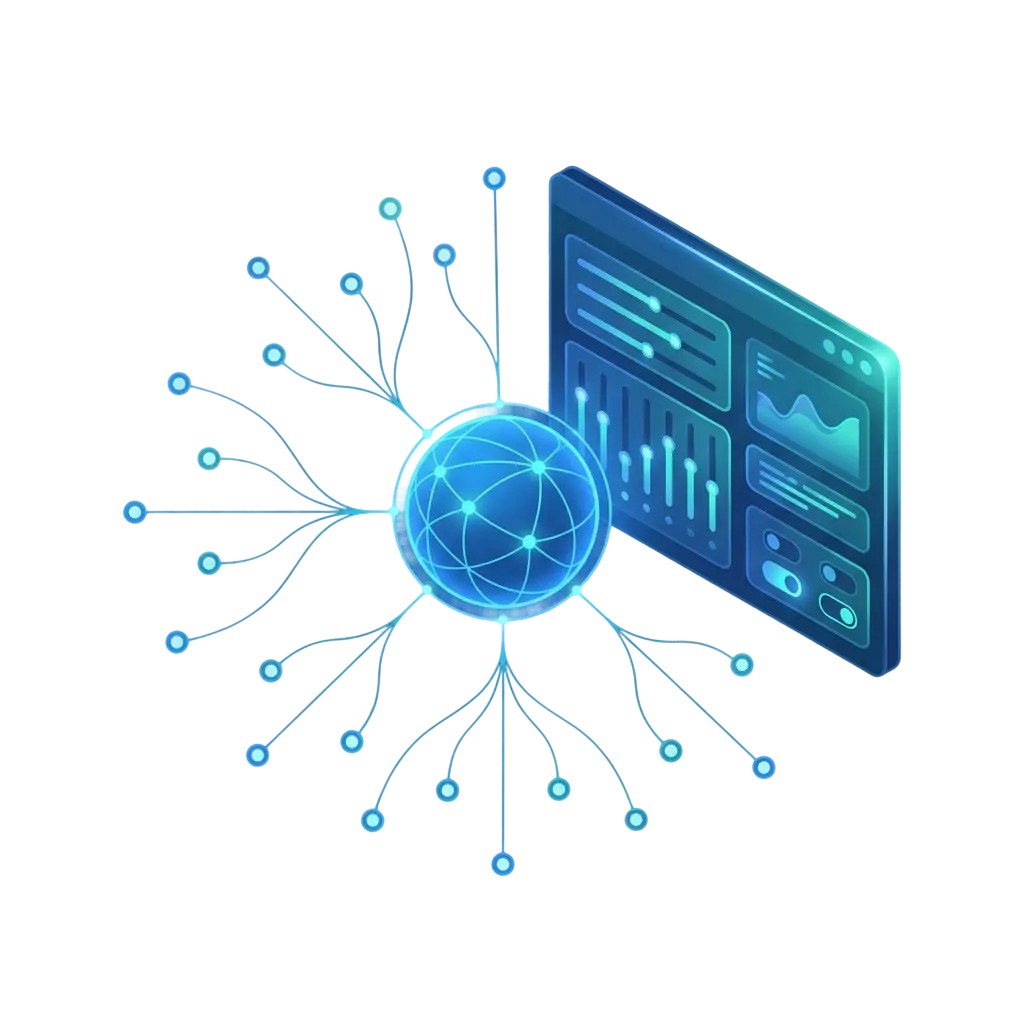
Illustration of a GraphQL admin API as a connected graph of data nodes with an admin control panel, in blue and teal

GraphQL admin API. The admin API runs on Lighthouse and covers pages, elements, files, versions and user permissions. It is what the Vue admin panel talks to, and you can point your own tools at it to build a custom editor or to script content changes.

Every mutation goes through the same role checks as the panel, and each query returns only the fields you ask for. That makes it practical to feed content into a dashboard, a CI job or an AI agent without pulling back more than you need.

JSON:API content delivery: a glowing JSON document with curly-brace code delivering data to a laptop, phone and tablet, blue and teal

JSON:API for the front end. A read-only endpoint that follows the JSON:API spec. A single request gives you a page with its nested elements and file references, which suits SPAs, mobile apps and static site generators.

Because it sticks to the standard, the JSON:API client libraries you already know work against it in most languages. Responses are cached per page, so heavy traffic lands on the cache instead of the database.

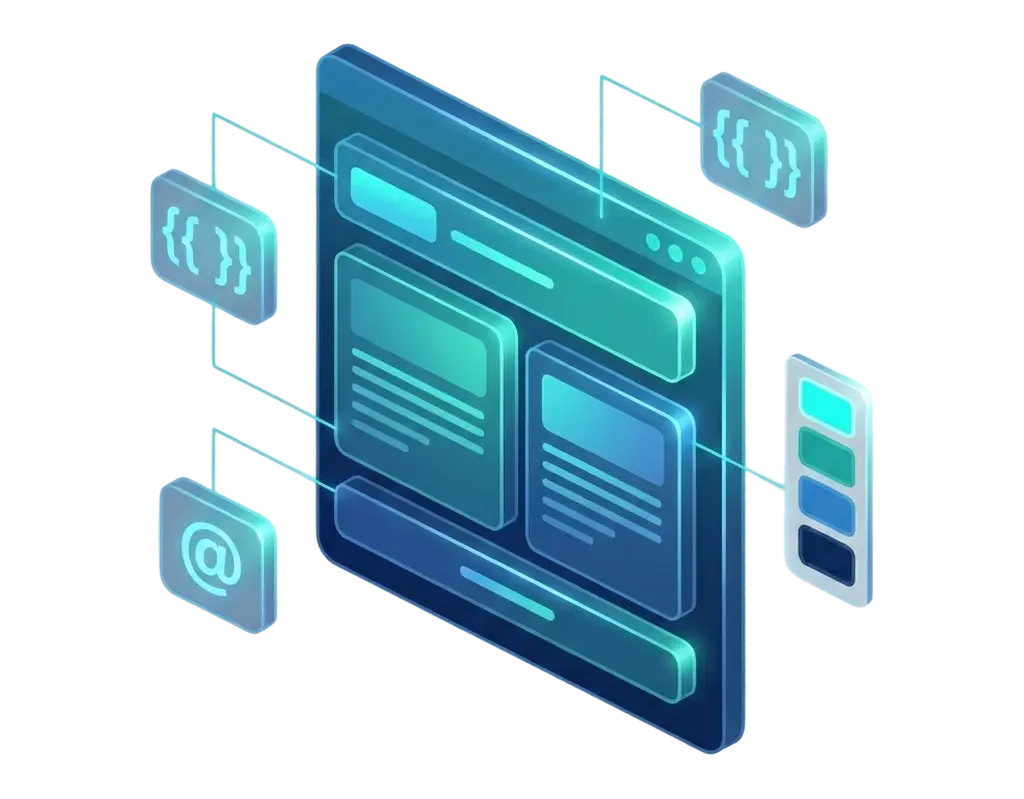
Blade templates and themes: a 3D webpage assembled from layout blocks with double-curly-brace template tags and theme color swatches, blue and teal

Blade templates and themes. Pages render through Laravel's Blade engine. Publish the views and edit them, write a theme of your own, or assign a different theme per page. You keep full control of the markup.

There are themes to start from, including Clean, Paper, Glass and Premium, and you can package your own with templates for each content element. Switching a site's theme is one setting, with no build step and no front-end framework to run.

PagibleAI vs OctoberCMS vs Statamic

Features
PagibleAI PagibleAI
OctoberCMS OctoberCMS
Statamic Statamic
AI-powered content
good
bad
bad
AI image editing
good
bad
bad
Audio transcription
good
bad
bad
MCP / AI tools
good
bad
bad
WYSIWYG
good
good
good
Version Control
good
bad
commercial
Real-time collaboration
good
bad
commercial
GraphQL API
good
bad
commercial
JSON:API
good
bad
commercial
Scalability
good
bad
good
Customization
good
good
good
Full-text Search
good
bad
good
Roles & permissions
good
good
commercial
Multi-language
good
bad
commercial
Multi-domain
good
bad
commercial
Multi-tenancy
good
bad
bad
CMS Import
good
bad
bad
Open Source
good
good
bad

AI features

Content generation icon

Content Generation

Draft, rewrite, retone or expand text with an LLM, right from the admin panel.

AI image editing icon

AI Image Generation & Editing

Generate images from a prompt, then remove backgrounds, inpaint, repaint, upscale or extend them without leaving the CMS.

Audio transcription icon

Audio Transcription

Turn audio and video into text you can search and edit, using speech-to-text.

AI translation icon

AI Translation

Translate pages and elements into any of 35+ languages in a single step.

MCP server icon

MCP Server

An MCP server with 33 tools, so an assistant like Claude can run the CMS for you.

SEO optimization icon

SEO Optimization

Suggested titles, meta descriptions and keywords for each page, written by the model.

Scaling up

Scaling up: a single server rack multiplying into a rising cluster of servers with database cylinders and an upward growth arrow, blue and teal

PagibleAI works for a small blog and for a busy production site:

  • Databases: runs on SQLite, MariaDB, MySQL, PostgreSQL and SQL Server, each with full-text search.
  • Caching: pages are cached for a duration you set, so the site stays quick without extra work.
  • Multi-tenancy: run several sites from one install, with each tenant's data kept apart.
  • Cloud and clusters: deploy on AWS, Google Cloud, Azure or Kubernetes and run across several servers.
  • Octane: static state is safe under Octane for long-running workers.
  • Page trees: the hierarchy is stored so even deep navigation loads quickly.
  • Rate limiting: every endpoint is throttled by default.

Versions and publishing

Immutable versions icon

Immutable Versions

Each save writes an immutable snapshot, so you have a record of who changed what and when, and you can roll back to any of them.

Draft and published icon

Draft / Published

Editors work on a draft while visitors keep seeing the last published version, so edits never touch the live site until you publish.

Scheduled publishing icon

Scheduled Publishing

Give a page a date and time and it goes live on its own.

Real-time collaboration icon

Real-Time Collaboration

Edits broadcast over WebSockets with Laravel Reverb, so teammates see changes as they happen.

Concurrent-edit protection icon

Concurrent-Edit Protection

A three-way merge and an unsaved-changes guard combine simultaneous edits so nobody's work gets lost.

Version comparison icon

Version Comparison

Put any two versions side by side and restore individual changes from one of them.

Security

A glowing 3D security shield with a padlock emblem, connected by cyan lines to a protected system, blue and teal

Several common protections are set up for you:

  • Input sanitisation: user input is cleaned before it reaches a visitor's browser.
  • CSP headers: a Content Security Policy is sent so unapproved scripts will not run.
  • SSRF protection: server-side URL fetches are checked against SSRF and DNS-rebinding.
  • Bot protection: hCaptcha guards forms against automated spam.
  • Database constraints: foreign keys keep content consistent when related records are deleted.
  • Tenant isolation: each tenant's data stays separate from the rest.

For developers

Custom elements icon

Custom Elements

Define your own content element types, each with its own fields and Blade template, without touching core code.

Shared elements icon

Shared Elements

Build a content block once and reference it on many pages. Edit it in one place and every page picks up the change.

CMS importer icon

CMS Importer

Move a site over from WordPress with an Artisan command that brings across posts, pages, media and metadata.

Multi-language icon

Multi-Language

Translations for 35+ languages, with the language versions of a page linked together.

Multi-domain routing icon

Multi-Domain Routing

Serve a different page tree per domain and run several sites from one Laravel application.

LGPL license icon

LGPL-3.0 License

Licensed under LGPL-3.0, so you can use it in commercial work with no per-site fees and no lock-in.

Frequently Asked Questions

Can I add PagibleAI to an existing Laravel app?

Yes. It is a standard Composer package with auto-discovery. Run composer require, publish the config and migrate. Your existing routes, models and middleware stay as they are.

Which Laravel versions are supported?

Laravel 11, 12 and 13. It tracks Laravel's release cycle and is tested against each supported version.

Which databases are supported?

SQLite, MariaDB, MySQL, PostgreSQL and SQL Server. Full-text search works on each one using that database's own features.

Does it work with Laravel Octane?

Yes. Static state is handled so it stays correct under Octane's long-running workers, and there is nothing extra to configure.

Can I use PagibleAI as a headless CMS?

Yes. With the JSON:API and GraphQL endpoints you can run it headless and deliver content to React, Vue, a mobile app or anything else.

How does multi-tenancy work?

Every model is scoped by a tenant_id through a global Eloquent scope. You set up the tenant resolver once and queries are isolated from then on.

Is PagibleAI open source?

Yes, under the LGPL-3.0 license, which covers both open-source and commercial use.

Add content management to your Laravel app

PagibleAI installs with Composer and a couple of Artisan commands, on top of the Laravel app you already run. The install guide walks through the steps.