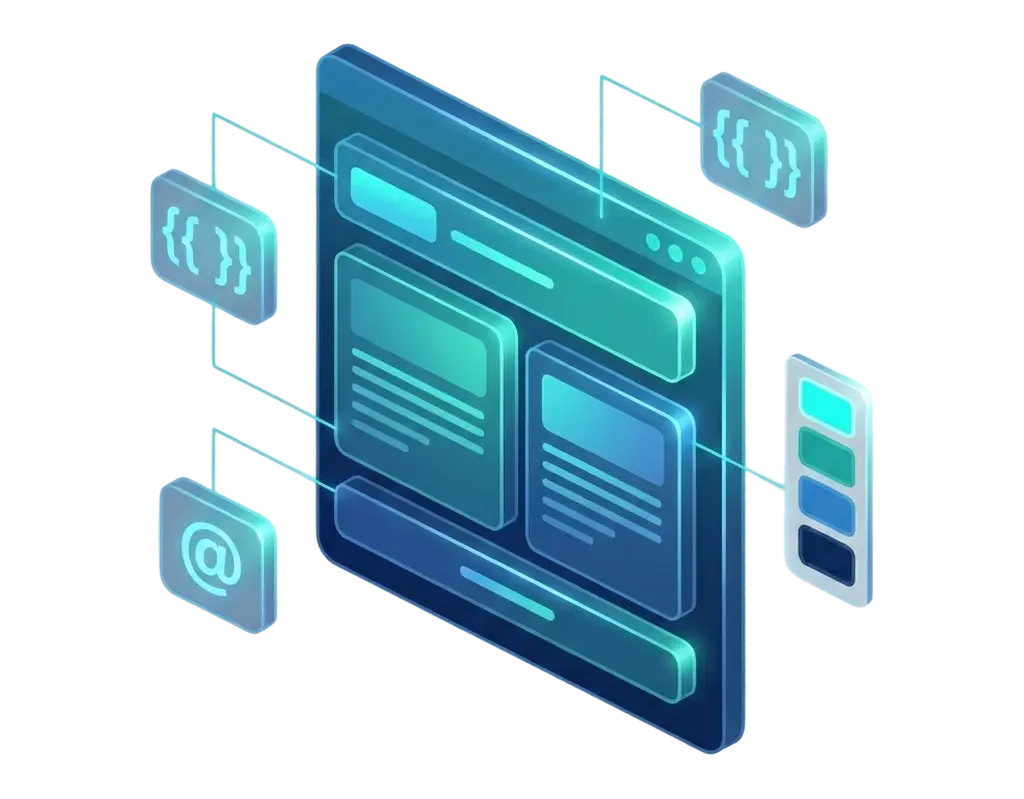
PagibleAI is architected as a truly cloud-native application. Built on Laravel, it leverages cloud services like load balancers, auto-scaling groups, and managed databases out of the box. No external dependencies, no separate services — just install with Composer and deploy anywhere.
composer require aimeos/pagible
php artisan cms:install
php artisan migrate
PagibleAI gives you three ways to deliver content — choose what fits your architecture, or combine them:
JSON:API for Content Delivery — A read-only, JSON:API-compliant REST endpoint optimized for frontend consumption. Delivers all page data, nested elements, and file references in a single request — ideal for SPAs, mobile apps, and static site generators. Engineered to handle billions of requests with minimal latency.
GraphQL Admin API — Powered by Lighthouse, the admin API provides complete control over pages, elements, files, versions, and user permissions. Build custom admin interfaces or automate content workflows programmatically.
Blade Templates with Themes — The fastest way to build a complete website. PagibleAI ships with a theme engine that renders pages server-side using Laravel's Blade templates. Perfect for sites where you want full control over the HTML without building a separate frontend.
PagibleAI grows with your application — from a personal blog on shared hosting to a high-traffic enterprise platform:
- Any database — Works with SQLite, MySQL, PostgreSQL, and SQL Server, all with built-in full-text search
- Smart caching — Per-page cache with configurable duration keeps your site fast without extra setup
- Multi-tenancy — Run multiple sites from a single installation with automatic data separation per tenant
- Cloud-ready — Deploy on AWS, Google Cloud, Azure, or Kubernetes and scale across multiple servers
- Fast page trees — Hierarchical pages are stored efficiently so even deep navigation structures load instantly
- Built-in rate limiting — All endpoints are protected against overload out of the box
PagibleAI takes security seriously so you don't have to worry about common vulnerabilities:
- Content sanitization — All user input is automatically cleaned to prevent malicious code from reaching your visitors
- Security headers — Content Security Policy headers are set up out of the box to block unauthorized scripts
- Bot protection — Built-in HCAPTCHA keeps forms safe from automated spam submissions
- Data consistency — Database constraints ensure your content stays intact, even when deleting related items
- Tenant isolation — Each tenant's data is completely separated, so there's no risk of cross-site leaks