
Native Model Context Protocol Architecture

Model Context Protocol CMS for Autonomous AI Agents

While legacy CMSs rely on clumsy webhook plugins and disconnected chat prompts, PagibleAI provides a deeply integrated, production-ready MCP server. Empower Claude, Cursor, and autonomous AI agents to search, create, illustrate, and translate production pages with enterprise guardrails and zero hallucinations.

A True Protocol-Native Content Engine

Most CMS platforms treat AI as a disconnected chatbot or text widget.

PagibleAI equips autonomous agents with 41 audited MCP tools to manage real web architecture.

Production-Grade MCP Server CMS Architecture & Guardrails

For developers icon

Complete 41-Tool Surface

Access 30 core tools for pages, shared elements, files, access control, and analytics, plus 11 multi-modal AI tools for inpainting, background removal, and audio transcription.

For editors icon

Schema-Enforced Precision

The MCP server feeds agents typed JSON schemas and element field hints. Agents construct rich, design-system-compliant layouts without hallucinating fake fields or broken HTML.

Bound by permissions icon

Enterprise Role Security

AI agents authenticate via OAuth 2.1, inherit strict Laravel permissions (cmsperms), and operate exclusively within their assigned tenant workspace. No privilege escalation.

Drafts not surprises icon

Draft-First Safety

Every create and save operation creates an unpublished draft by default. Human editors inspect visual diffs in the live preview before publishing with a single click.

Reversible by default icon

Optimistic Version Merging

Optimistic version locking via latest_id prevents race conditions. Human editors and autonomous agents collaborate in parallel without overwriting each other's work.

For decision-makers icon

100% Open & Model Agnostic

MIT licensed and completely self-hosted on Laravel. Connect Anthropic Claude, OpenAI, Google Gemini, or private local LLMs via Ollama with zero token markups or seat fees.

Architectural Comparison: Native MCP CMS vs. Conventional CMS

PagibleAI
Legacy CMS + MCP Plugin
SaaS Headless CMS
MCP Architecture
Yes Built-in core MCP server with SSE & OAuth 2.1
No Third-party plugin or brittle scraper bridge
No Proprietary AI assistant locked to their cloud
Available Tool Depth
Yes 41 audited tools (pages, tree, media, AI, SEO)
No Basic post CRUD; no media or schema inspection
No Fragmented REST/GraphQL APIs requiring glue
Schema Introspection
Yes get-schemas exposes typed JSON schemas & hints
No Unstructured text blocks or unvalidated fields
No Complex custom schemas requiring manual mapping
Concurrency & Locking
Yes Optimistic version locking via latest_id
No Blind overwrites or permanent edit lockouts
No Eventual consistency conflicts during high volume
Multi-Modal Capabilities
Yes Native inpainting, erasing, upscale & speech-to-text
No Text-only generation; external asset pipelines
No Separate expensive third-party DAM integrations
AI Model Choice
Yes Anthropic Claude, OpenAI, Gemini, or local Ollama
No Often hardcoded to a single commercial API key
No Locked to platform vendor AI at inflated rates
Licensing & Privacy
Yes MIT Open Source, self-hosted, 100% private data
No Fragile plugin ecosystem, security exposure
No Enterprise pricing tiers, SaaS subscription locks

Automated CMS Publishing: The Safe Lifecycle of an MCP Content Request

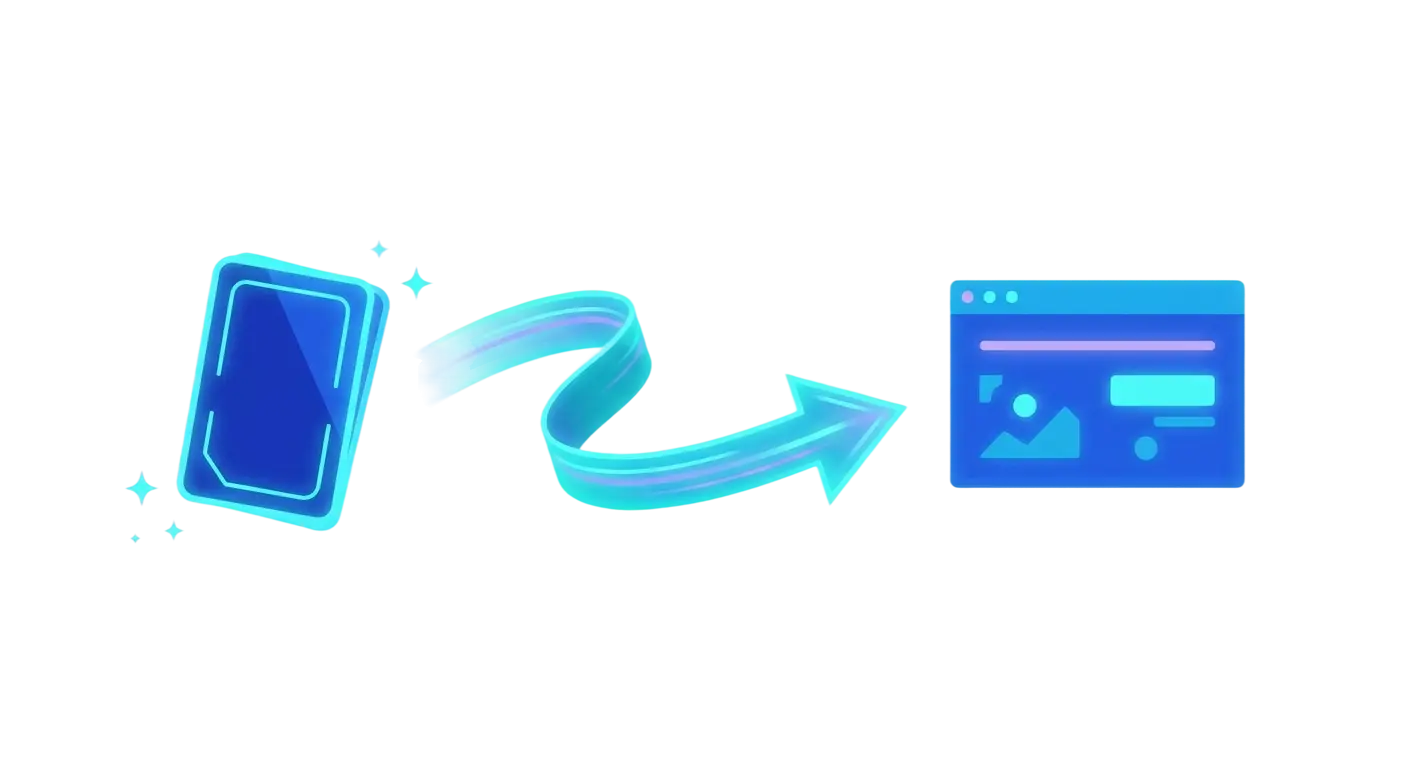
Simple three-step icon of a prompt card flowing into a finished web page, in deep blue and cyan

When an AI assistant executes an instruction via Model Context Protocol in PagibleAI, it follows a rigorous, audited protocol rather than guessing arbitrary database queries:

  • Schema Introspection: The client queries get-locales and get-schemas to inspect active languages, element configurations, and field validation rules.
  • Contextual Synthesis: It queries the page tree to analyze site hierarchy, builds design-compliant UI blocks, and automatically attaches or retouches media assets.
  • Safe State Changes: Drafts are staged using add-page or save-page with optimistic locking via latest_id to prevent concurrent overwrite conflicts.

Because the MCP server passes a cryptographic latest_id with every object read, human work is never overwritten.

How PagibleAI Powers Safe AI Content Operations

  1. Step 1

    Schema Discovery & Introspection

    The AI client fetches the site's supported languages and typed element schemas, retrieving precise field types and validation rules.

  2. Step 2

    Context Retrieval & Tree Mapping

    The agent searches existing pages and shared components to understand parent-child relationships, typography, and company voice.

  3. Step 3

    Structured Content Synthesis

    The agent constructs valid UI blocks (hero, text, cards, FAQ) and attaches generated or retouched media assets using MCP media tools.

  4. Step 4

    Optimistic Lock Validation

    The agent submits the draft with the exact latest_id. If a human editor updated the page concurrently, changes merge gracefully without data loss.

  5. Step 5

    Human Review & Scheduled Release

    Human editors preview the draft in real time, review full version histories, and publish immediately or schedule release with publish-page.

Developer Quick-Start: Claude Code CMS Integration in Seconds

Connect your development environment or AI client directly to your PagibleAI instance using standard Model Context Protocol transports and OAuth 2.1 authentication. PagibleAI is 100% open source under the MIT license on GitHub.

Claude Code & Terminal CLI Workflows

Add the remote MCP server to your user account via the CLI:

claude mcp add --transport http --scope user pagible https://yourdomain.com/mcp/cms

VS Code, Cursor & GitHub Copilot

Add the remote HTTP server to .vscode/mcp.json in your workspace:

{
  "servers": {
    "pagible": {
      "type": "http",
      "url": "https://yourdomain.com/mcp/cms"
    }
  }
}

Inspecting Tools via JSON-RPC

AI clients discover tools and schemas dynamically using standard MCP protocol calls:

{
  "jsonrpc": "2.0",
  "method": "tools/call",
  "params": {
    "name": "get-schemas"
  }
}

Scale AI Content Operations Across Any Client, LLM, or Workflow

Simple icon of a glowing shield and a rollback arrow around a small stack of version snapshots, in deep blue and cyan

Model Context Protocol is an open standard, and PagibleAI embraces it completely. Whether your developers work inside Claude Code, use Cursor to generate landing pages straight from codebase commits, or connect Claude Desktop and ChatGPT for editorial teams, PagibleAI provides a unified, secure gateway.

Every connection utilizes RFC-compliant OAuth 2.1 authentication and Server-Sent Events (SSE). You can deploy local models through Ollama for air-gapped compliance environments, or leverage Anthropic Claude 3.7 Sonnet and OpenAI GPT-4o for complex marketing initiatives—all while keeping your CMS data safe on your own servers.

Frequently Asked Questions about MCP CMS

What distinguishes PagibleAI's MCP architecture from traditional CMS platforms?

PagibleAI is the only open-source Laravel CMS designed from the ground up for the Model Context Protocol. Rather than tacking on a chatbot prompt box, it exposes 41 audited MCP tools covering every CMS subsystem—including schema inspection, version locking, multi-tenant isolation, and multi-modal image/audio editing.

How do AI agents avoid breaking page layouts or hallucinating?

Through the get-schemas tool, the MCP server returns the full JSON schema of every supported content element, complete with descriptions, accepted values, and validation limits. The LLM agent inspects these schemas prior to drafting, ensuring every block adheres strictly to your design system without hallucinating arbitrary HTML.

How does PagibleAI prevent AI from overwriting human edits?

PagibleAI enforces optimistic locking via the latest_id parameter. Whenever an agent reads a page, it receives the current revision ID. If an editor saves changes in the meantime, the server rejects outdated overwrites and instructs the agent to fetch the updated version, merge changes, and retry.

Can an MCP agent publish content directly without approval?

By default, all add-* and save-* MCP tools generate unpublished drafts. Publishing is a distinct operation that requires explicit page:publish permissions. Most teams configure their agents with drafting rights only, keeping final publishing approvals in human hands.

Which AI clients and models are supported?

PagibleAI works with any MCP-compliant client, including Claude Desktop, Claude Code, Cursor IDE, VS Code, Codex, ChatGPT, and custom autonomous agent scripts. On the model side, you can connect Anthropic Claude, OpenAI GPT-4o, Google Gemini, DeepL, or local LLMs through Ollama.

Is my proprietary data secure when using PagibleAI MCP?

PagibleAI is self-hosted and 100% open source under the MIT license. Your content, media assets, and credentials remain on your infrastructure. Requests are authenticated via OAuth 2.1, and agents are strictly constrained by Laravel role permissions (cmsperms) and tenant boundaries.

Scale Your AI Content Operations

Deploy a Production-Ready Headless CMS MCP Server

Experience the power of protocol-native content management. Connect your AI assistant to PagibleAI via Model Context Protocol and let autonomous agents build, illustrate, and translate pages under your full editorial control.